
The acetate stack · try it
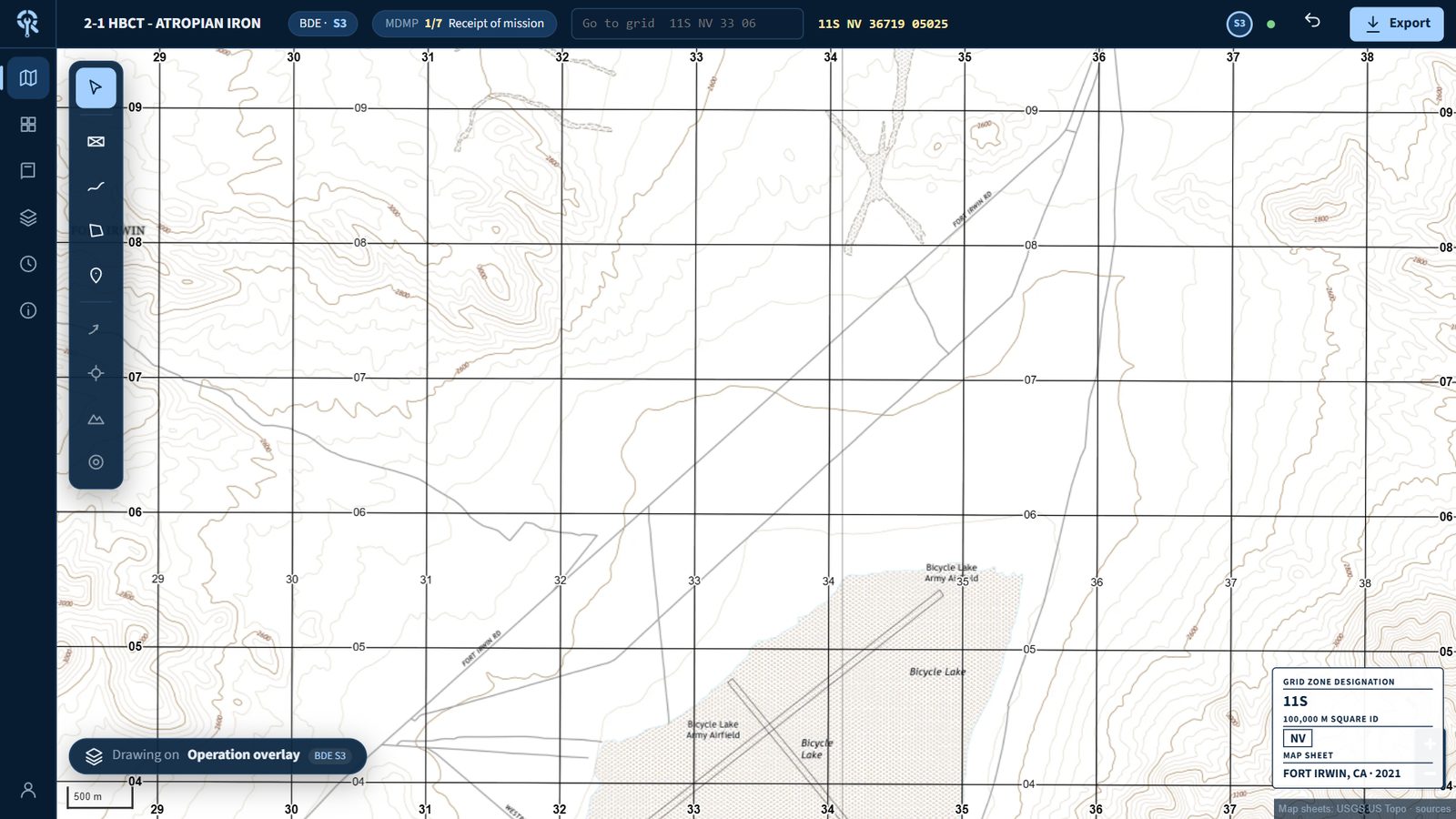
Each section's acetate. One map.
One map view from the run in the video. Turn each section's acetate on and off, the way any seat can in the app.
Each acetate has an owner
The S2's MCOO, the FSO's fires, the S3's operation overlay. The list shows whose each one is, and every seat can hide or show any of them on its own screen.
Anyone can add to one
The FSO can put a checkpoint on the S3's overlay. The screen says it's the S3's acetate, and the change is logged under the FSO's name.
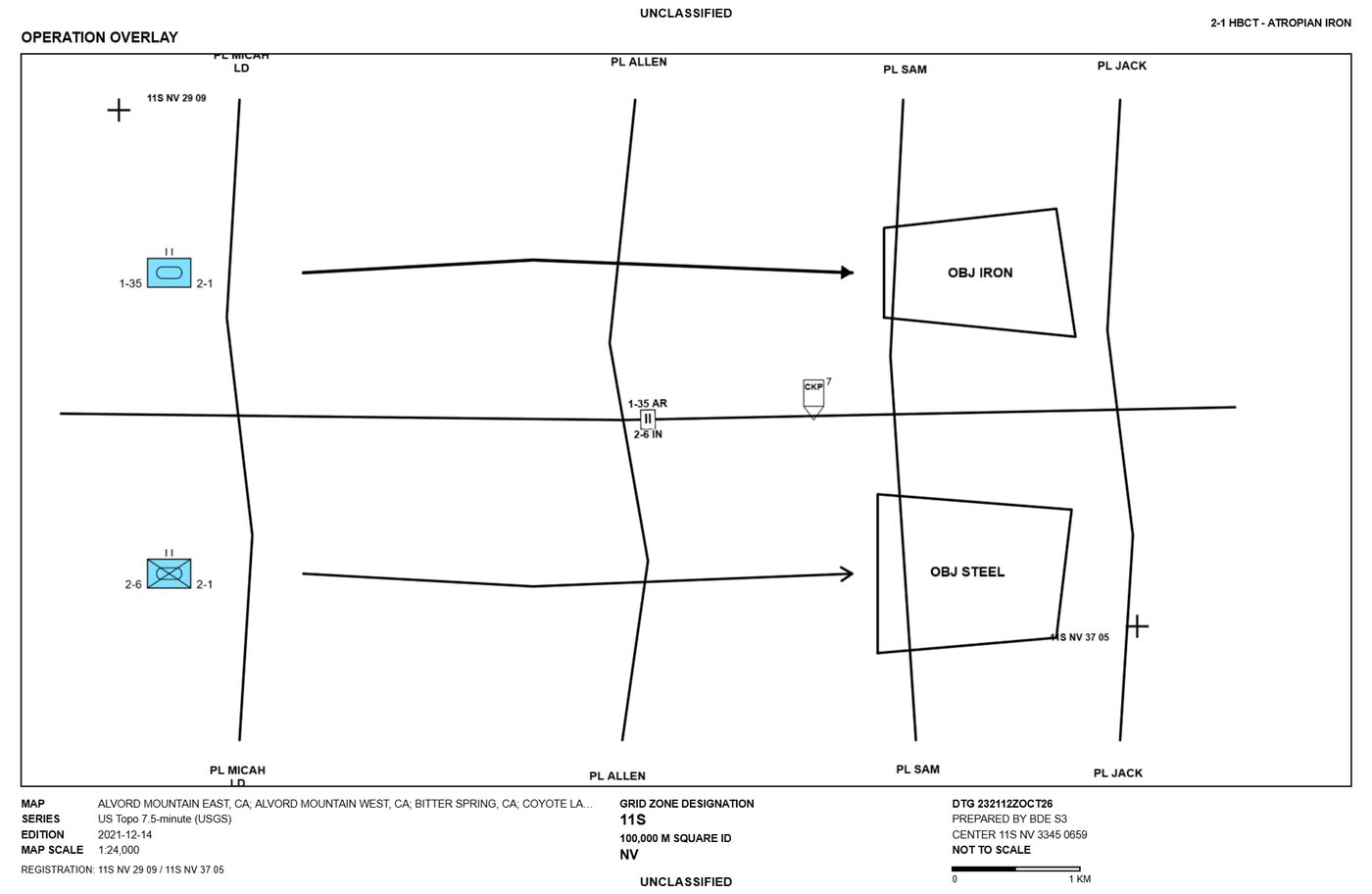
Print it clear
Export one acetate as a clear PNG at 1:25,000, 1:50,000 or 1:100,000, with registration marks and marginal data, to lay on the paper map.
The first hours after receipt of mission
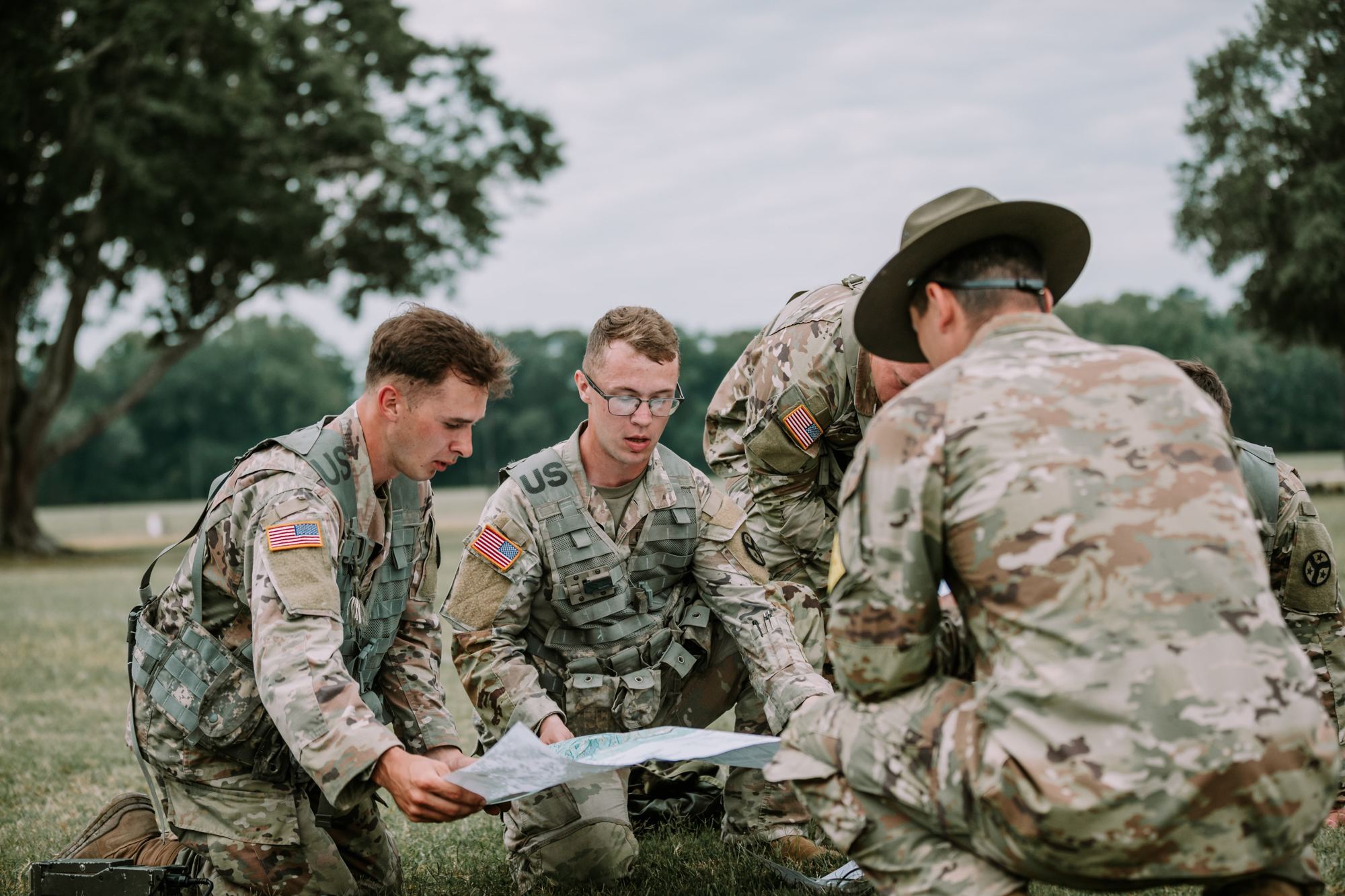
The order lands. Then every section re-types it.
- S2Copies enemy, terrain and higher's PIRs out of a PDF into a brief and a CCIR list.
- S3Pulls specified tasks out of higher's order, redraws higher's graphics on acetate, and drafts the order by hand.
- XOWalks the TOC asking each section where they are, and who changed the overlay.
The happy path · six steps
One order, every section, one plan.
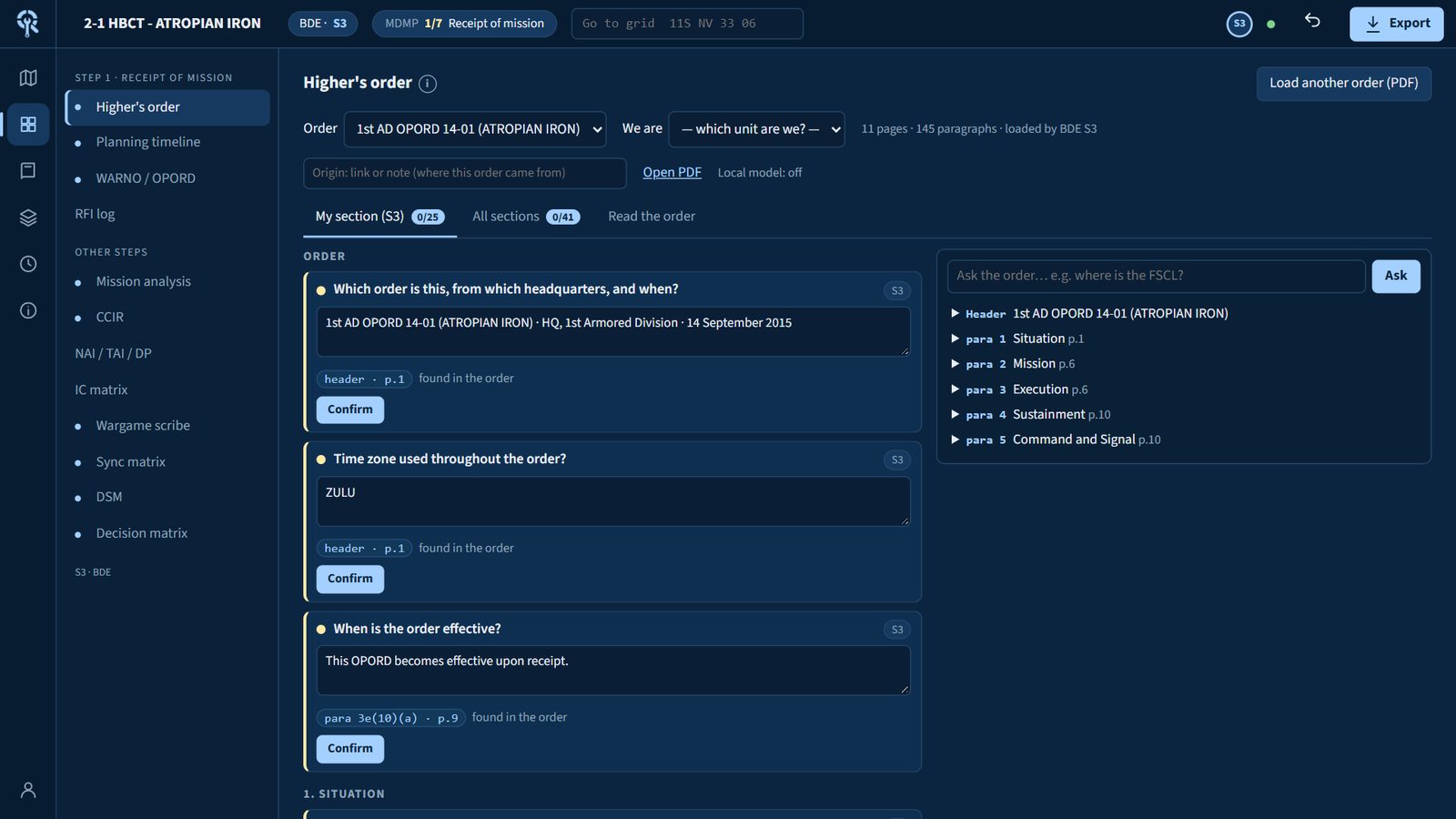
The same run as the video, step by step. Pick a step to see the screen.
Brigade staff · what each seat gets
Your section's work, already started.
Each seat signs in to its own view: its intake questions from higher's order, its own acetates, and its cards in the products. Every seat can still open and add to anyone else's work.
Rules of the road
Nobody waits on a permission.
Planning moves faster than any access list. The tool gets out of the way and keeps the record instead.
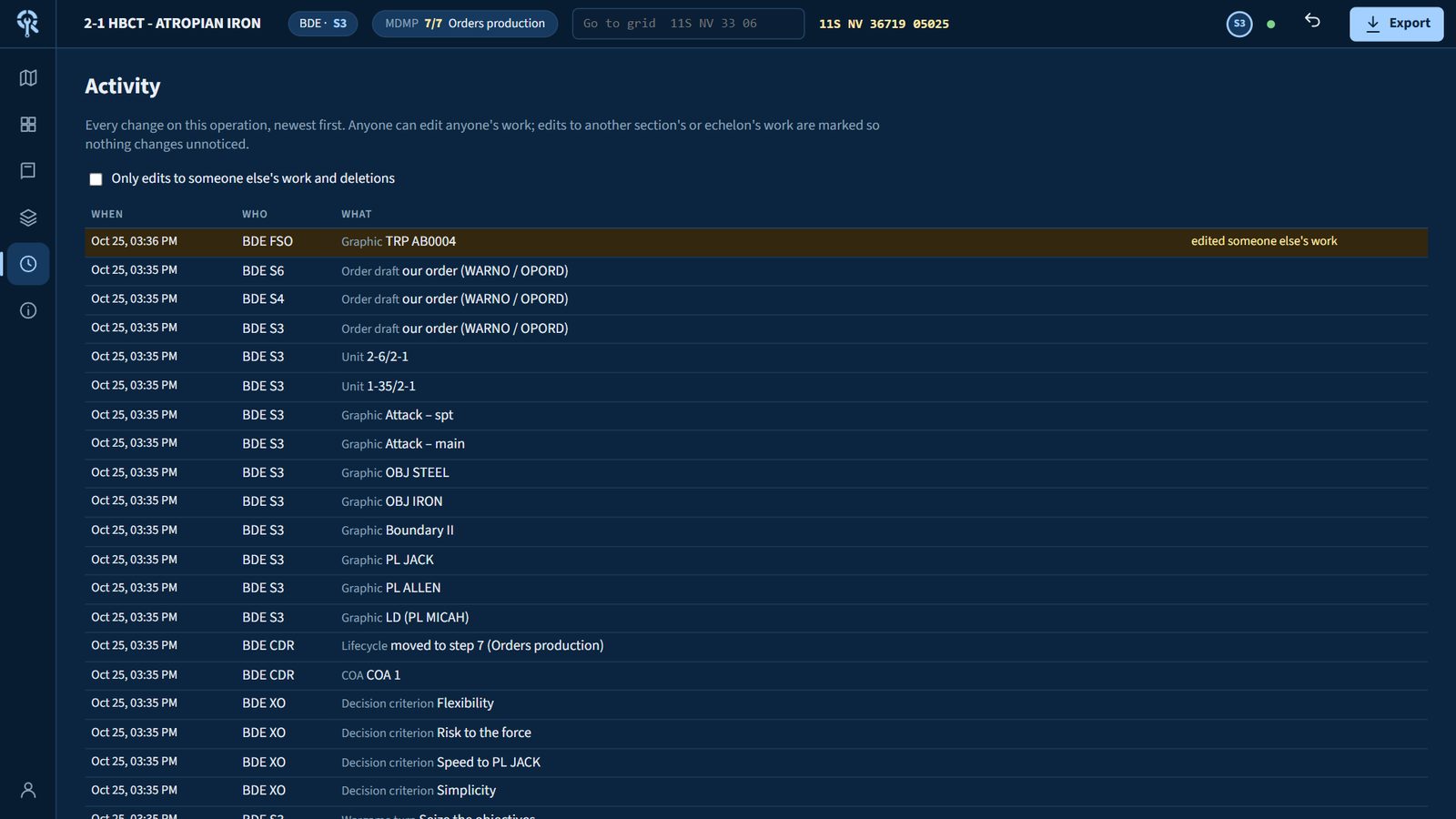
Edit anything
Any seat can add to or correct another section's answer, card or acetate. The screen says whose work it is.
Work ahead or behind
The unit is in mission analysis and you need the sync matrix? Open it. A thin banner reminds you the commander is on another step.
Everything is attributed
Every change carries a name, seat and time. Filter to edits on other people's work and to deletions.
Command stays command
Only the CDR and XO move the MDMP step and approve PIRs and the COA. You can only delete what you made.
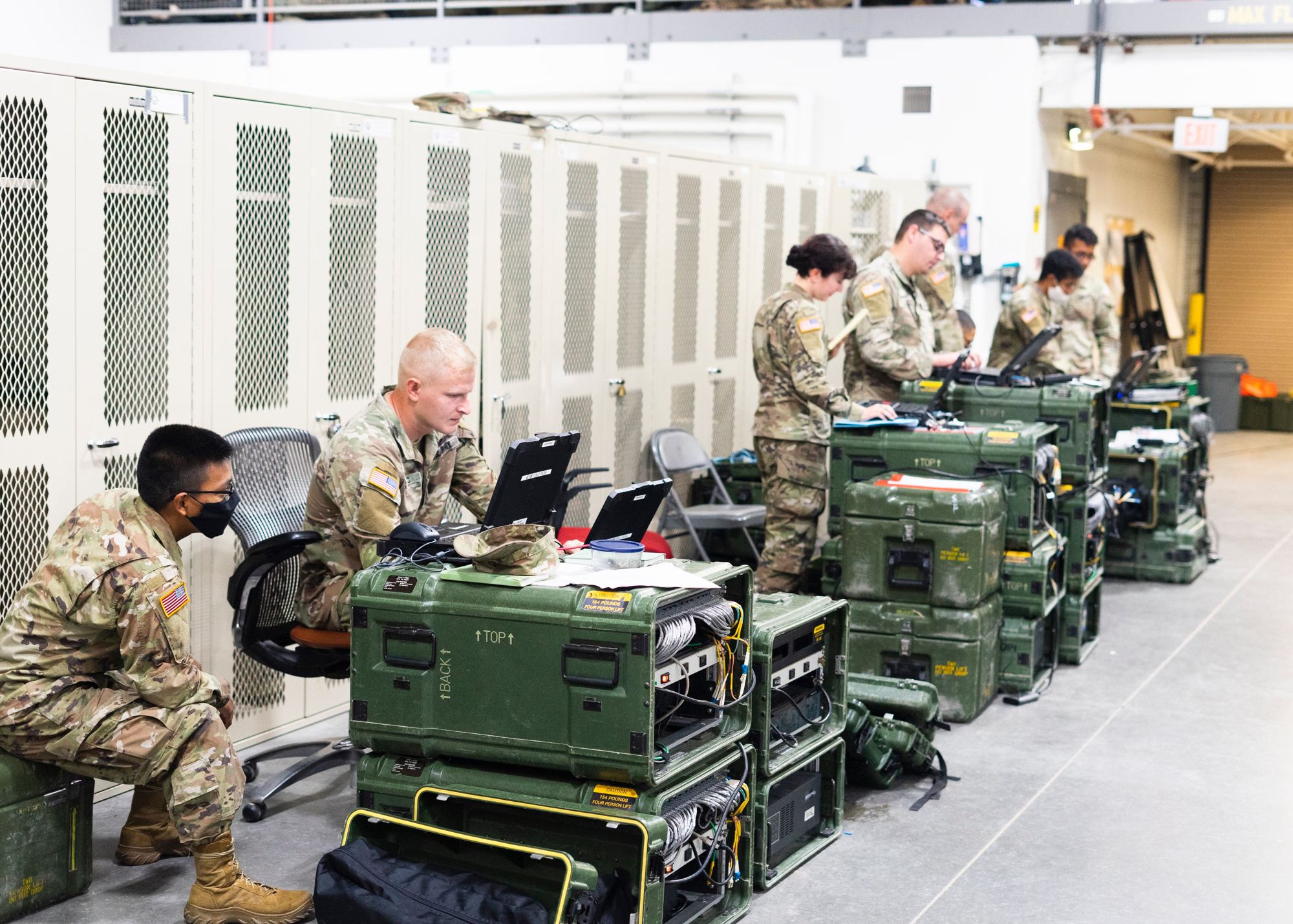
Runs in your TOC
No cloud. No install on the laptops.
- Server
- One Windows PC in the TOC. The plan lives in one file on it.
- Laptops
- Any browser on the TOC LAN. Every edit saves as it's made; moving to another page or pressing Refresh shows what the other sections have done.
- Internet
- Not required. Internet base maps are off unless someone turns them on.
- Maps
- USGS US Topo 1:24,000 sheets with the MGRS grid; 854 sheets cover NTC and the ring around it.
- Sources
- Every sheet links to its USGS record, with a SHA-256 fingerprint of the file on the server.
- Echelons
- Brigade first. Company (TLP), battalion and division staffs use the same tool.
- Export
- Briefing maps and clear acetates as PNG at true scale: 1:25,000, 1:50,000 or 1:100,000.
Straight answers
Questions the S6 will ask.
Why not Palantir, what runs where, where your data goes, and a full walkthrough of a typical workflow.